A classroom drone simulator is software that lets students practice drone flight, controls, and mission planning on a computer — no aircraft, airspace, or weather required. For CTE and STEM educators, it is the safest, lowest-cost way to teach core flight skills before a single real drone leaves the ground.
If you have priced a class set of drones, you already know the math is uncomfortable: a 30-student section at a sensible 3:1 ratio means ten aircraft, ten controllers, batteries, a charging hub, and propellers that will absolutely meet a wall. Add wind, rain, a field trip you have to schedule, and a first-year teacher who has never flown, and the risk adds up fast.
Simulation changes that equation. It lets you teach the hard, expensive, and risky parts of drone flight — orientation, control input, emergency procedures, and mission planning — in a room that is already yours. This guide explains how drone simulators work, why they belong in a CTE pathway, how to choose one, and how to build a rollout plan that moves students safely from screen to sky.
What Is a Drone Simulator — and Why It Belongs in Your Classroom
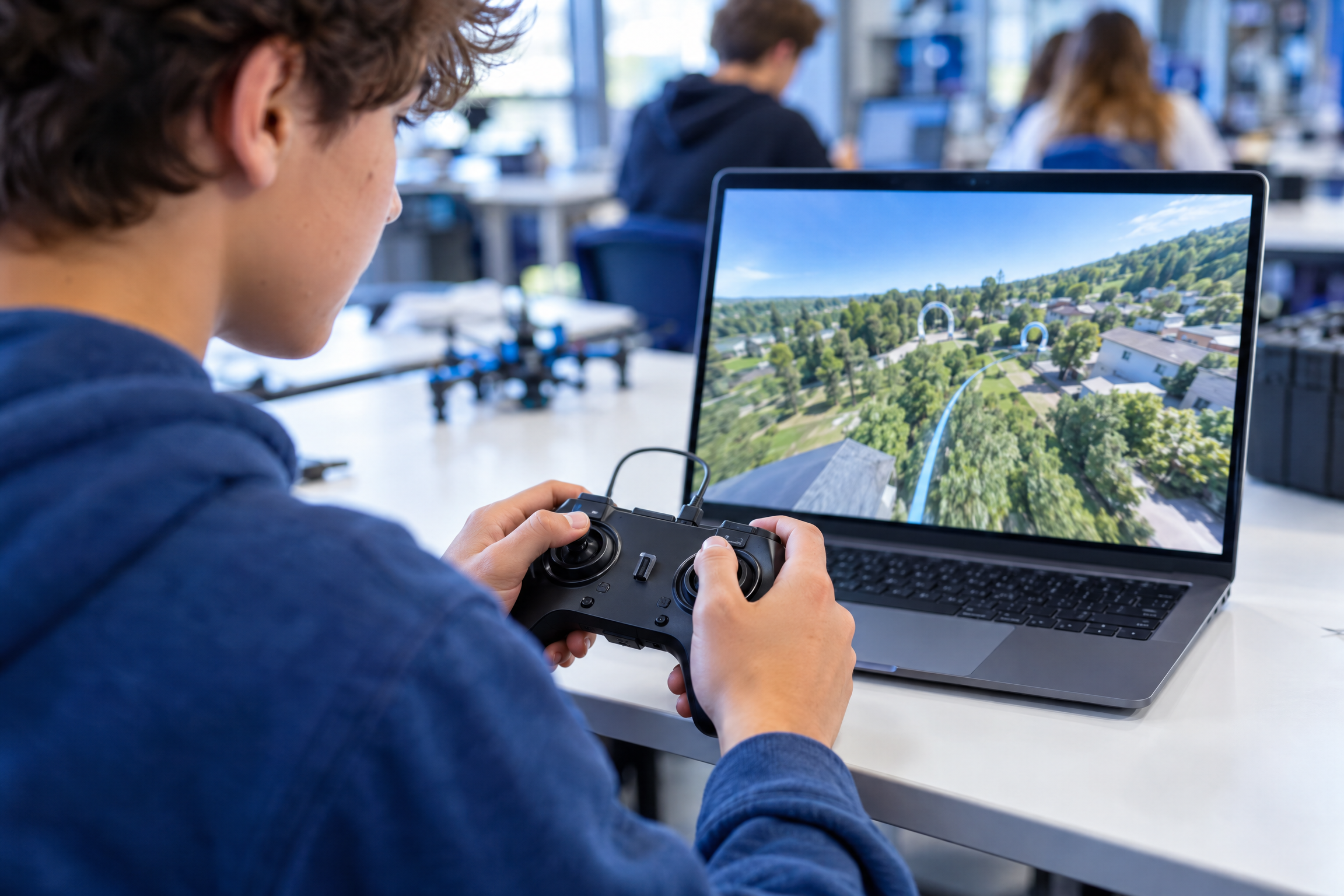
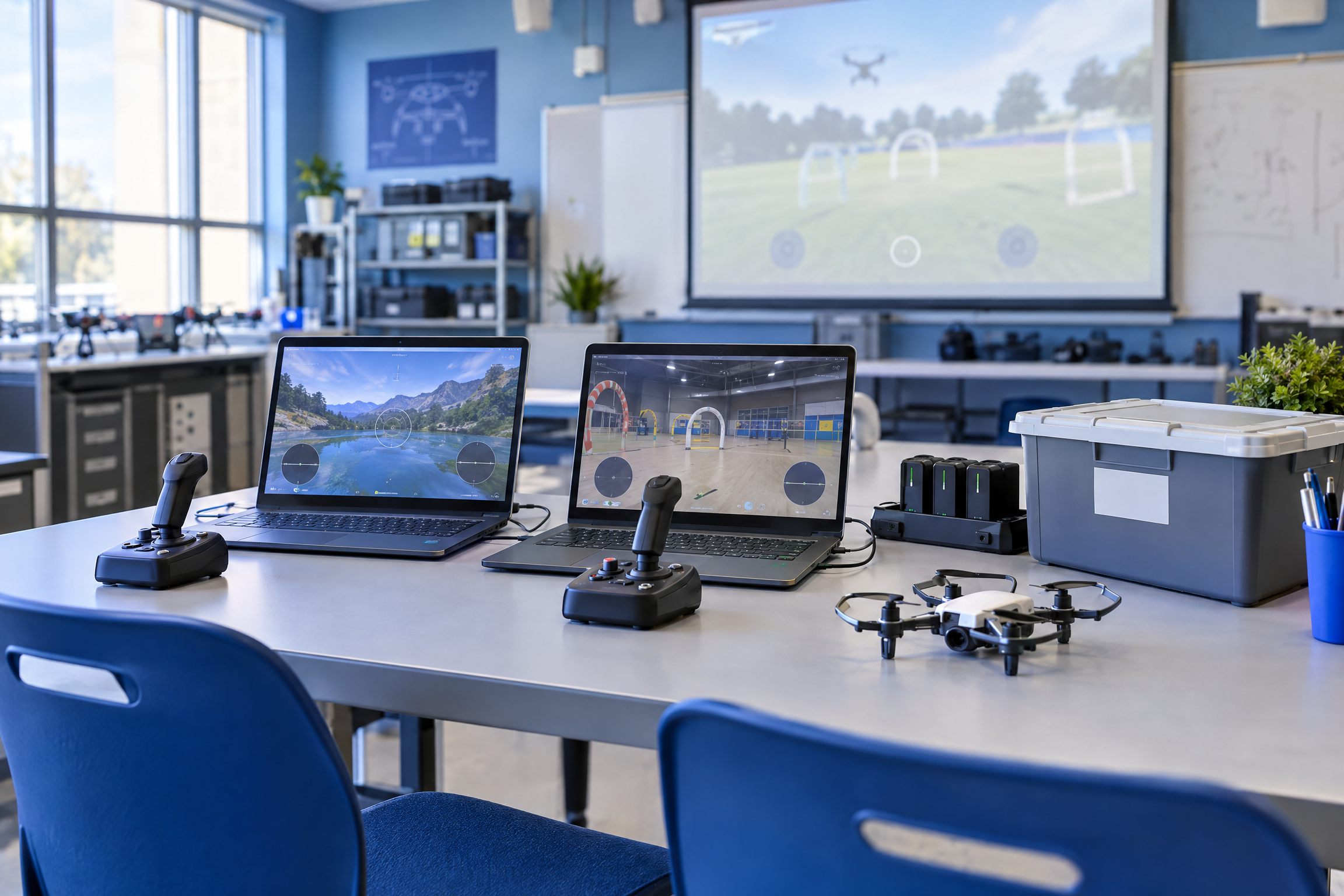
A drone simulator is a piece of software that models a quadcopter’s behavior — throttle, yaw, pitch, roll, camera gimbal, and often wind and obstacles — so a student can fly a virtual aircraft with a keyboard, a gamepad, or a real radio controller plugged into a computer. The best classroom simulators also include structured flight scenarios, scoring, and a record of student flight time.
That last part matters more than the graphics. A simulator is not just a game; it is a place to run reps. A student can practice a box hover, a figure-eight, and a simulated loss of GPS twenty times in an afternoon without burning a battery, damaging a propeller, or worrying a parent or administrator. When that student finally holds a real controller, the muscle memory is already there — and the real drone, which is the expensive part of your budget, is far less likely to be destroyed by a beginner’s panic input.
The Real Barriers a Simulator Removes for CTE Programs
Most educators who stall on a drone program are not short on enthusiasm. They are short on margin. A simulator buys back the three things school programs run out of first: money, time, and risk tolerance.
On money, the case is straightforward. Every hour of simulated flight is an hour of battery cycles, propeller replacements, and crash repairs you do not pay for. That does not mean you skip real drones — it means you spend your equipment budget on the flights that actually teach something, and you stop writing off drones to avoidable beginner errors. Programs that need help funding those aircraft have options; our guide to funding a school drone program walks through grants, Perkins dollars, and CTE buy-in.
On time, a simulator removes the logistics tax. No permission slips, no airspace checks, no waiting on the one field window between rain and a football practice. A rotation of simulator stations fits inside a standard 50-minute period, which means more instructional minutes and fewer transitions.
On risk, the argument is the strongest. Indoor simulated flight cannot injure a student, cannot leave campus, cannot violate airspace rules, and cannot generate the kind of incident that makes an administrator reconsider the entire program. That matters when you are the one asking a principal or a school board to approve drones on campus in the first place.
The FAA's Part 107 Remote Pilot Certificate is a knowledge test, not a logged-flight-hours requirement, so a simulator will not "count" toward a certificate by itself. What it does is build the operational intuition — orientation, control input, and emergency response — that makes the hands-on portion of your course productive instead of chaotic.
How Simulators Fit Into a CTE Pathway (Perkins V and Beyond)
A drone program survives when it is a program of study, not a hobby. That means it is sequenced, standards-aligned, and tied to an industry credential students can actually earn. A simulator slots into that structure at the front of the sequence, where it does the most good.
Think of the pathway in four stages. In the introductory course, students learn what a drone is, how the controls work, and how flight physics behave — all of which a simulator can deliver on day one. In the intermediate course, they plan and fly missions, practice for the Part 107 knowledge test, and log supervised flight time. In the capstone, they apply those skills to a real project: a mapping flight, an inspection scenario, a campus survey. Alongside all of it, safety and regulation run as a thread.
Simulation does not replace real flight. It protects it. Every hour a student spends in a simulator is an hour a real drone is not in a tree.
Because that sequence maps cleanly onto Perkins V’s emphasis on career pathways, credentials, and work-based learning, a simulator gives you concrete language for approvals and accountability. You can point to measurable student progress, documented flight time, and a credential target instead of a vague promise to “get students interested in drones.”
Choosing the Right Drone Simulator for Schools
Not every drone simulator is built for a classroom, and the difference shows up in week three when half your students cannot run the software. Evaluate candidates against the constraints you actually have: managed school devices, shared logins, and a teacher who needs to grade something.
Start with hardware reality. If your students are on Chromebooks or locked-down laptops, prioritize browser-based options that do not require a discrete graphics card. If you have a dedicated robotics or STEM lab with capable machines, you can consider richer desktop simulators with better physics and scenario tools.
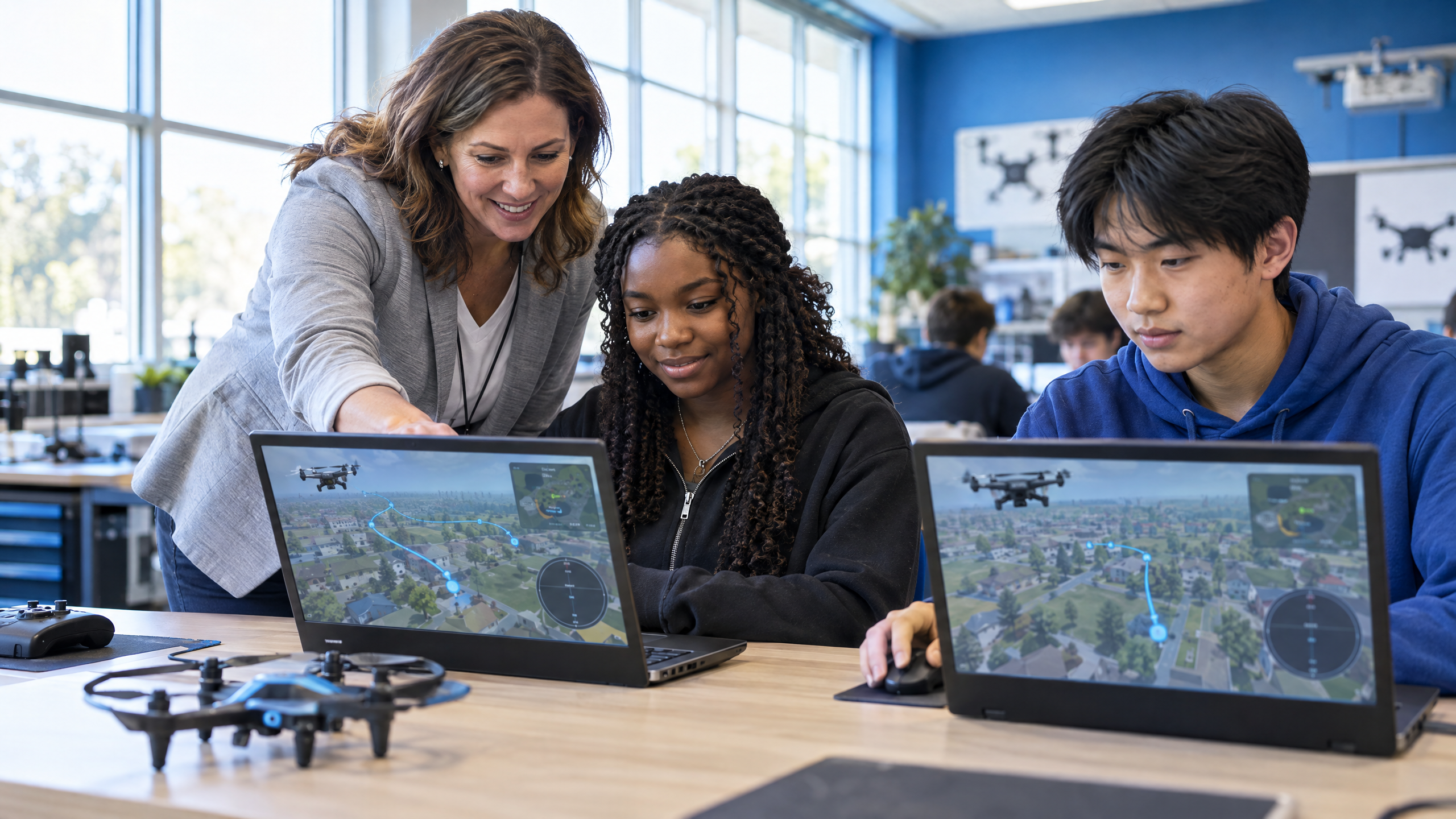
Then check the classroom features: can multiple students use it? Does it save progress? Does it produce flight-time logs or scenario scores a teacher can export? Can you reset a scenario quickly when a student crashes? Is there a free or education tier so you can pilot before you commit budget? And critically — is it beginner-friendly enough that a teacher with no drone background can run it? If the answer to that last question is no, it will not survive contact with a full teaching load.
Run a two-week simulator pilot with one class before you buy anything. Ask three questions: did students stay engaged after the novelty wore off, could you grade their progress, and did they walk away able to explain basic flight controls? A pilot costs almost nothing and saves you from a site license you regret.
A Five-Step Rollout Plan: From Simulator to First Flight
You do not need a new course, a new budget cycle, or a certified flight instructor to start. You need a sequence that earns the trust of your students and your administration at the same time.
- Set the safety frame first. Before anyone touches software, teach the rules: pre-flight checks, no flying over people, and the regulation basics behind a real school drone safety plan. Students who understand why the rules exist follow them outside your sight.
- Introduce the simulator as a training tool, not a game. Frame it the way a flight school would: this is where you build control before you take responsibility for an aircraft.
- Run structured drills. Hover, square patterns, figure-eights, and emergency landings. Have students narrate what they are doing — talking through input builds transferable understanding.
- Score and record. Grade scenario completion and logged flight time, not just enthusiasm. Our guide to assessing student learning in a drone program covers rubrics that work for simulated and real flight alike.
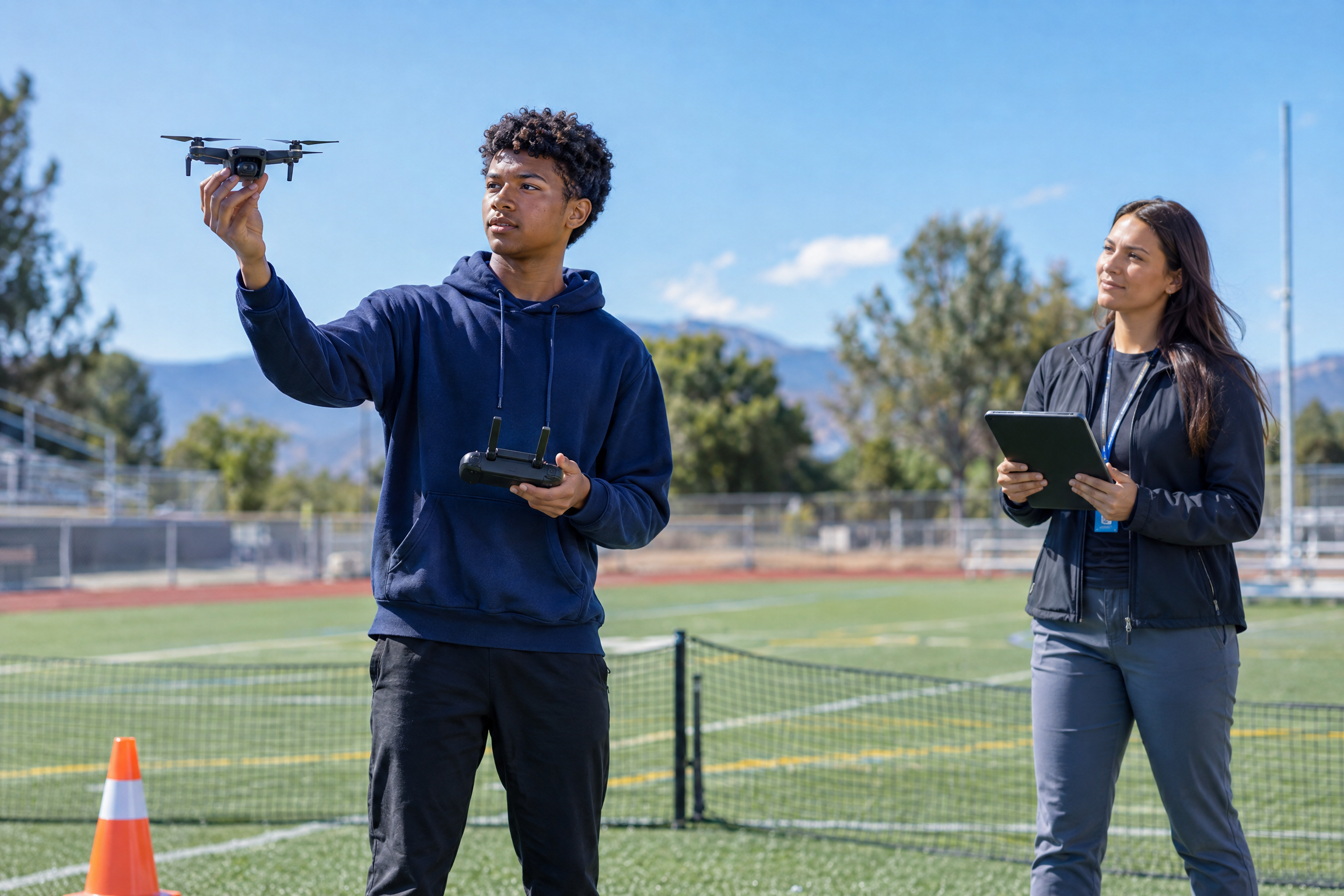
- Transition to real aircraft. Move students outdoors in small groups, at the 3:1 ratio, once they can fly a clean pattern indoors. The first real flight should feel like a reward for preparation, not a leap of faith.
How to Teach With a Simulator: A Sample Lesson Flow
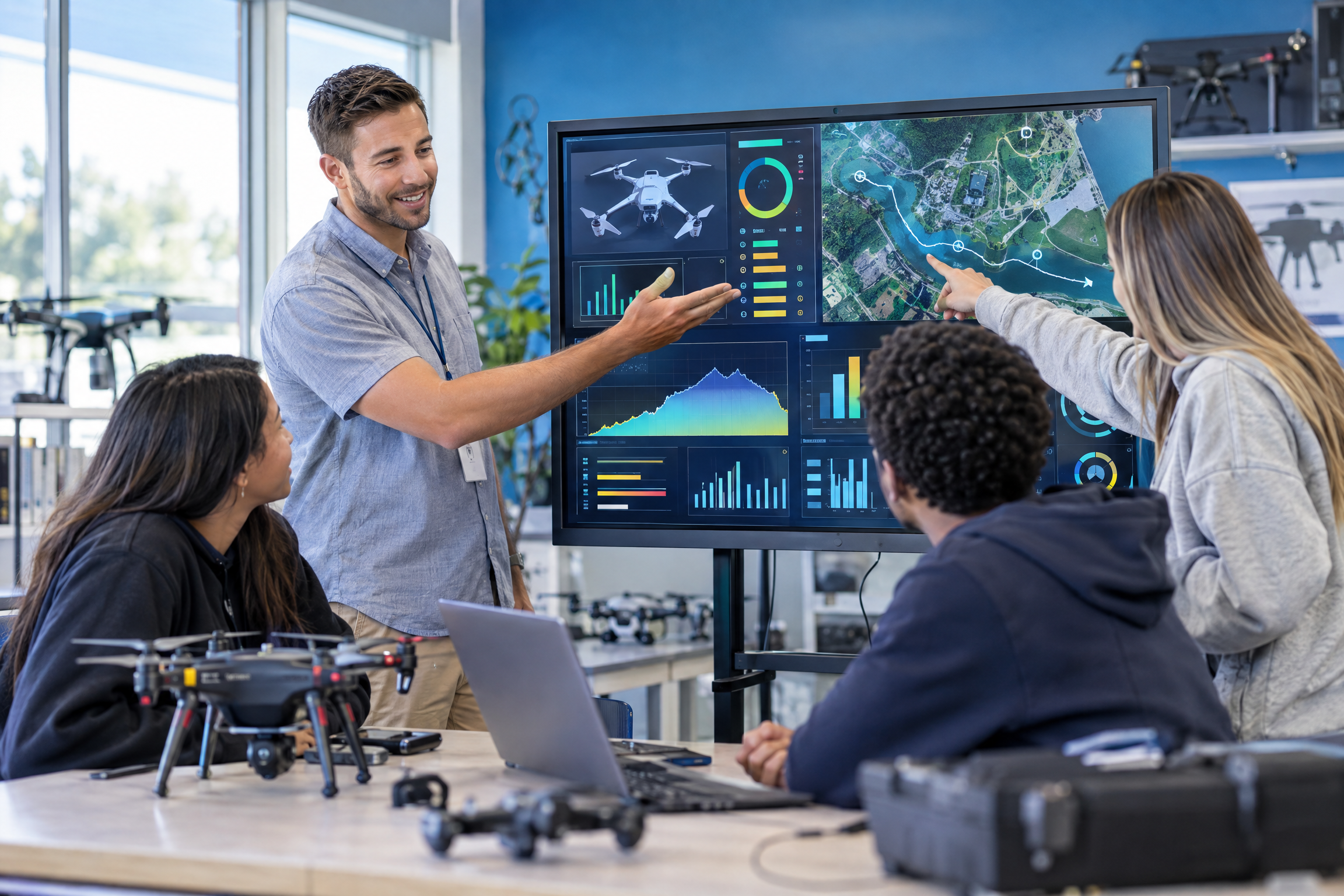
If you are wondering how this looks inside a single class period, here is a flow that fits a 50-minute block and works for a first-year drone teacher.
First 10 minutes — brief and demonstrate
State the day’s objective in one sentence (“today you will hold a stable hover for 30 seconds”). Demonstrate the controls on the projector, then let one student try while the class watches a single input at a time.
Next 25 minutes — station rotation
Divide the class into stations. One group flies the assigned drill on simulators; a second group works a related reading or Part 107 practice set; a third does a hands-on, non-flight task such as pre-flight checklist practice or airspace map reading. Rotate so every student flies.
Last 15 minutes — debrief and log
Have students record their flight time and one thing they will improve next class. Close with a quick discussion of a real-world scenario that connects the drill to a career task — an inspection, a search, a survey.
Common Mistakes Educators Make With Simulators
The teachers who get the most out of simulation avoid three traps. First, they do not treat it as a babysitter — unstructured “free fly” time burns engagement and teaches little. Second, they do not let simulation replace real flight entirely; students need the accountability and satisfaction of flying an actual aircraft. Third, they do not skip assessment. If simulator work is not graded, students treat it as optional, and your best evidence for program approval disappears.
One more: do not assume your students are naturally good at it. Hand-eye coordination under reversing orientation is a genuine skill, and some of your strongest academic students will struggle at first. That is not a reason to back off — it is a reason to teach it explicitly and celebrate progress.
Frequently Asked Questions About Classroom Drone Simulators
Do students need real drones if they use a simulator?
Yes, eventually. A simulator is the best way to teach controls and de-risk beginner mistakes, but hands-on flight builds the judgment and responsibility that a screen cannot. Use simulation to prepare students, then fly real aircraft in small supervised groups.
Are drone simulators free?
Several options have free or low-cost education tiers, and many run in a browser, which suits school devices. The real cost is usually time — piloting a tool with one class before you commit budget is the cheapest way to choose well.
Is a simulator enough to prepare students for the FAA Part 107 exam?
No. Part 107 is a knowledge test covering regulations, airspace, weather, and loading, so students need structured study alongside flight practice. Simulation sharpens the operational understanding that makes the material stick. See our FAA Part 107 test prep guide for high school students for a study sequence.
What equipment do I need to run a simulator station?
A capable laptop or Chromebook and, ideally, a simple USB gamepad or controller. Keyboard controls work as a fallback. You do not need real drones to begin — that is the point. When you are ready to add aircraft, our guide to drone curriculum equipment covers what to buy and what to skip.
Can simulators run on school Chromebooks?
Often, yes — browser-based simulators are the safest bet on managed devices. Check the hardware requirements and test on one student device before planning a whole unit around it.
How should I grade simulator work?
Grade what you can see: scenario completion, control accuracy, logged flight time, and a short reflection. Rubrics that work for real flight work here too, which keeps your assessment consistent across the whole course.
Key Takeaways
- A classroom drone simulator teaches controls, orientation, and mission planning before students ever fly a real aircraft
- Simulation cuts cost, scheduling friction, and risk — the three obstacles that stall most school drone programs
- Part 107 is a knowledge test, so use simulation to build operational intuition, not to replace study
- Simulators belong at the front of a sequenced CTE pathway, where they support Perkins V language on credentials and pathways
- Pilot a simulator with one class and grade the results before you commit to a site license or a class set of drones